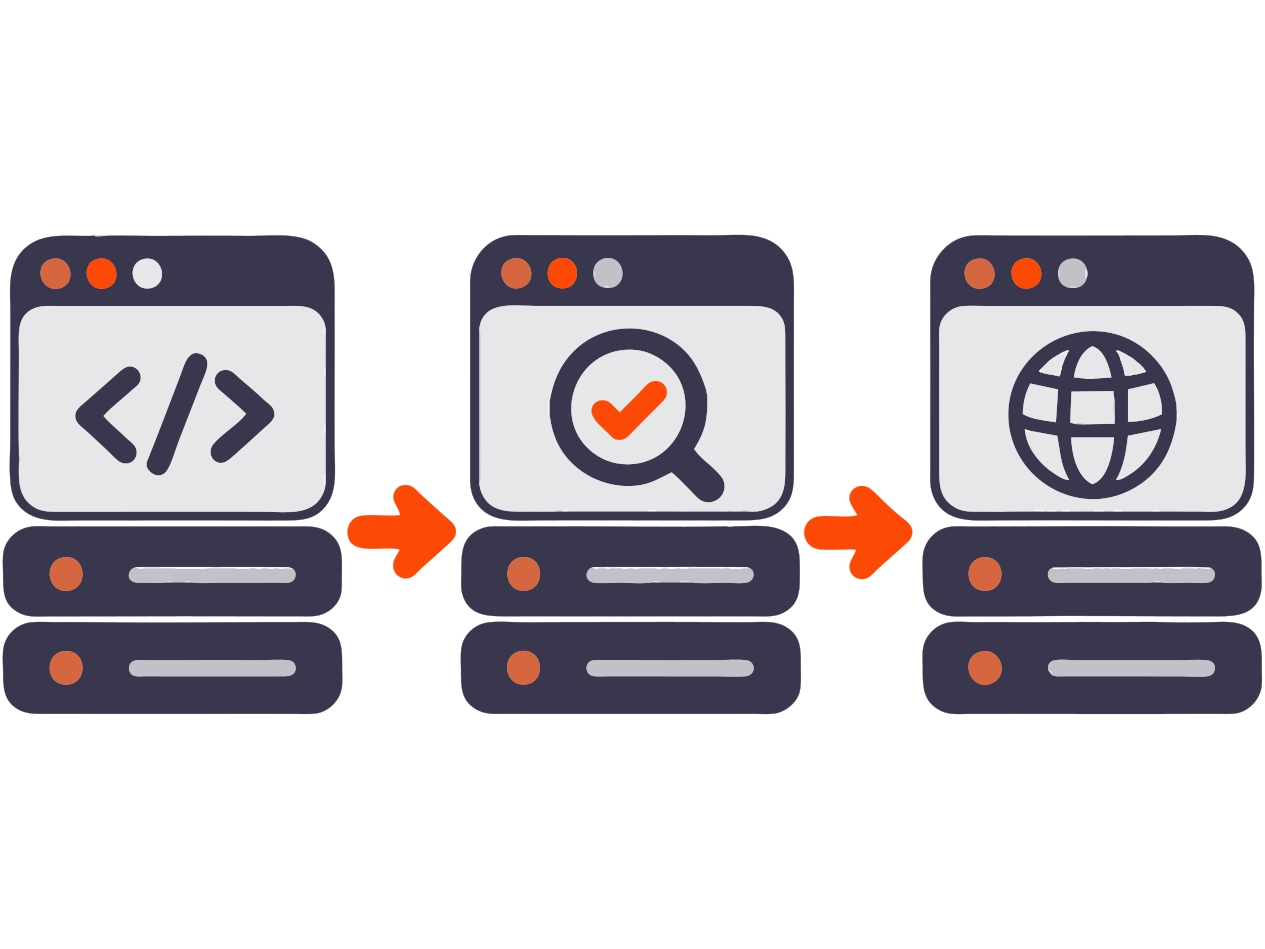
Names can differ: some teams say TEST, others say QA; IFT may be called SIT; PREPROD may be called STAGE. The abbreviation matters less than the team agreement: who
deploys, who tests, what data can be changed, and what means ready for the next step.
DEV
Development Environment
Developers quickly check fresh changes right after a build: the application starts, the change is available, and the obvious
happy path
does not fail. Stability is not guaranteed, and test data may be recreated.
Initial check
This environment helps the team catch obvious problems quickly, but it does not replace full quality checks.
QA / TEST
Test Environment
A controlled environment where the tester performs the main task check: smoke testing, functional scenarios, and regression checks.
Main checks
Requirements, test data, checklists, and clear bug reports matter most here.
IFT / SIT
Integration Environment
IFT means Integration Functional Testing, and SIT means System Integration Testing. Services are connected to each other and to test versions of external systems.
Service exchange
This stage checks data exchange between components: API contracts, queues, payments, authorization, and callbacks.
UAT
Acceptance Environment
UAT stands for User Acceptance Testing. Business users, a product owner, or a customer review scenarios from the perspective of real value.
Acceptance goal
The goal is to confirm that the scenario solves the user problem and to separate bugs from requirement changes.
PREPROD / STAGE
Preproduction
Preprod or stage is as close to production as possible in configuration, deployment process, and connections. Data is usually anonymized or prepared specially.
Release rehearsal
The team rehearses the production deployment and checks
migrations, settings,
feature flags, final smoke, and release readiness.
PROD
Production
Production is where real users, money, orders, and reputation live. This is not the place for checks that could have been done earlier.
After deployment
After deployment, the team runs post-release smoke and watches logs, metrics, and tracing to quickly decide whether a
hotfixis needed.
Main trap:
“works for me” proves nothing until you know the environment, version, and settings.