Release version 1.0.0

Release — a new version of software.

A release package includes a final set of improvements and fixes.

Before a release becomes available to end users, it goes through the software development lifecycle stages, the last of which is testing.

We’ll cover:

Build versioning

Code written by developers is assembled into an archive or an executable file. The build number helps track changes.

A version is typically written in the format major.minor.patch, where:

major — major changes that may break compatibility

minor — changes that remain compatible with previous versions

patch — bug fixes and minor changes

A stable build that is shipped for end users is called a release build.

1
major
.
2
minor
.
0
patch

Build deployment

The code needs to get from a developer’s local machine to a test environment. To do that:

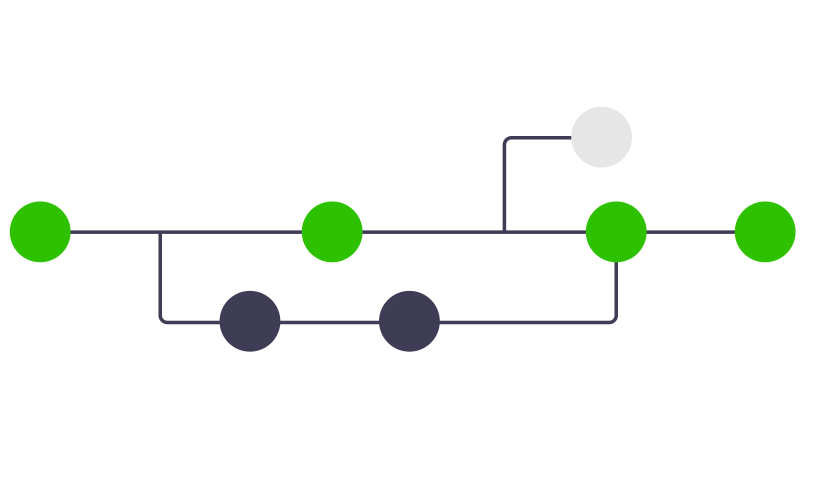
Git branches

A developer pushes code to a remote code repository, for example on GitHub

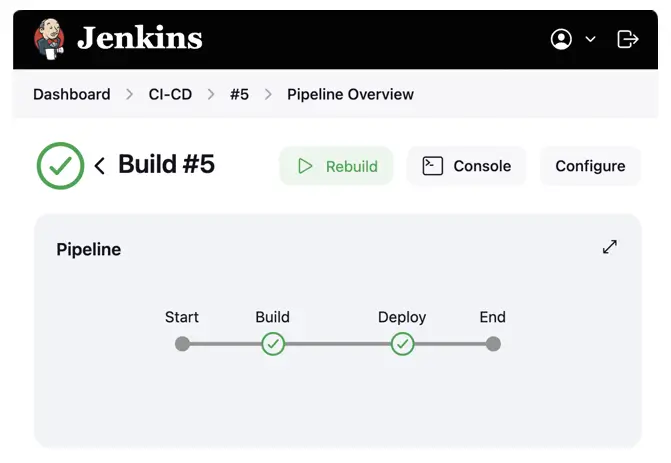
Jenkins Build and Deploy Job

The code is automatically built and delivered to the environment by a job (a sequence of commands) prepared by a DevOps engineer

Application ready to use

The application is deployed and ready for testing or for end users

DevOps engineers create jobs using scripting languages and the visual interfaces of CI/CD (continuous integration/continuous delivery) tools: Jenkins, TeamCity.

Release testing

Finally, the release build has been deployed to the environment, and testers can start testing.

Typically, testing is done in stages:

Testing type Description
Smoke A quick check that the build deployed correctly and the core features work as expected.
Functional A detailed check that the application’s functionality meets the requirements.
Non-functional Checks for performance, security, and usability.
Regression Verifies that new changes and fixes haven’t broken existing functionality.

Load testing is often carried out in parallel, frequently by a separate dedicated testing team.

Next, we’ll look at each type of testing in detail and practise them.
Task

The developers added the build version number to the cat-astronaut website. This way, testers can always tell which version is deployed.

  • The frontend version (frontend — the UI) is shown in the site’s navigation menu
  • The backend version (backend — the server-side logic) can be obtained with an HTTP request
    GET https://www.tester-today.com/task/v3/cat-astronaut/version
Task available to premium users!
Sidebar arrow